
Phone frame
Dynamic Island
Use the Dynamic Island frame to present mobile UI with store-ready proportions, polished device edges, and a cleaner App Store or Play Store screenshot.
Frame gallery
Each frame page is static, indexable HTML on Astro. That means Google and AI crawlers can understand the frame names, the use cases, and the calls to action without trying to render your React editor.
Phone frames
Popular device shells for Play Store and App Store screenshots.
Use the Dynamic Island frame to present mobile UI with store-ready proportions, polished device edges, and a cleaner App Store or Play Store screenshot.

Use the Dynamic Island + Camera frame to present mobile UI with store-ready proportions, polished device edges, and a cleaner App Store or Play Store screenshot.

Use the Punch-hole frame to present mobile UI with store-ready proportions, polished device edges, and a cleaner App Store or Play Store screenshot.
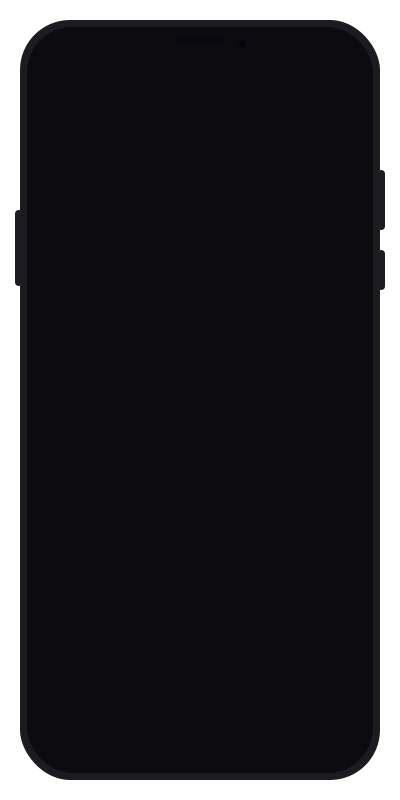
Use the Notch frame to present mobile UI with store-ready proportions, polished device edges, and a cleaner App Store or Play Store screenshot.

Use the Borderless frame to present mobile UI with store-ready proportions, polished device edges, and a cleaner App Store or Play Store screenshot.

Use the Borderless Silver frame to present mobile UI with store-ready proportions, polished device edges, and a cleaner App Store or Play Store screenshot.
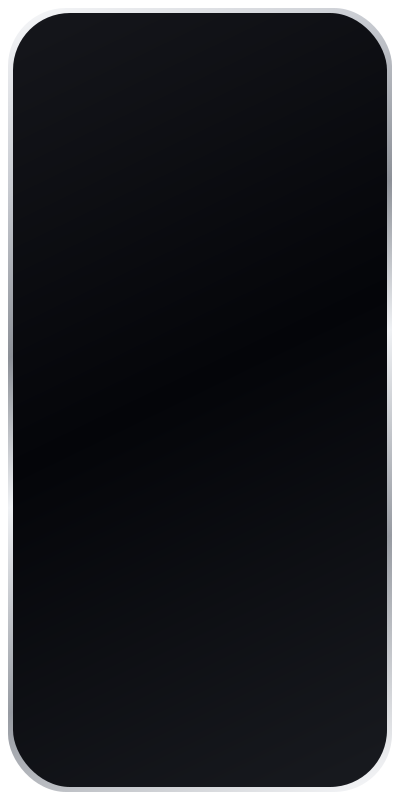
Use the Silver Black frame to present mobile UI with store-ready proportions, polished device edges, and a cleaner App Store or Play Store screenshot.
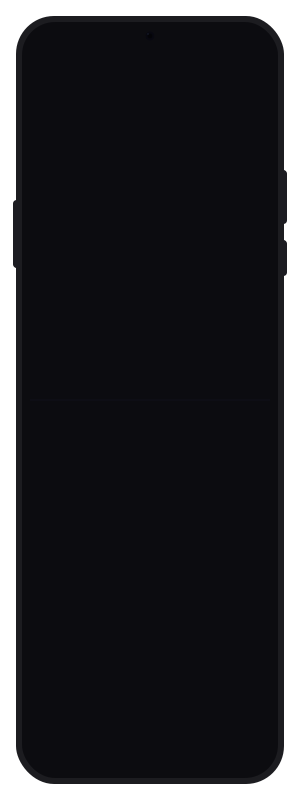
Use the Foldable (closed) frame to present mobile UI with store-ready proportions, polished device edges, and a cleaner App Store or Play Store screenshot.

Use the Foldable (open) frame to present mobile UI with store-ready proportions, polished device edges, and a cleaner App Store or Play Store screenshot.
Tablet frames
Portrait and landscape tablet layouts for wider product storytelling.

Use the Tablet portrait frame to present tablet layouts with a clearer viewport, realistic device shell, and export-ready app marketing visuals.

Use the Tablet portrait + Camera frame to present tablet layouts with a clearer viewport, realistic device shell, and export-ready app marketing visuals.

Use the Tablet landscape frame to present tablet layouts with a clearer viewport, realistic device shell, and export-ready app marketing visuals.
Desktop frames
Laptop, monitor, and browser layouts for desktop product pages.

Use the Laptop frame to showcase desktop flows, browser UIs, and product marketing shots without rebuilding device chrome manually.

Use the Monitor frame to showcase desktop flows, browser UIs, and product marketing shots without rebuilding device chrome manually.

Use the Browser window frame to showcase desktop flows, browser UIs, and product marketing shots without rebuilding device chrome manually.
Watch frames
Clean watch canvases for wearable UI previews and onboarding shots.
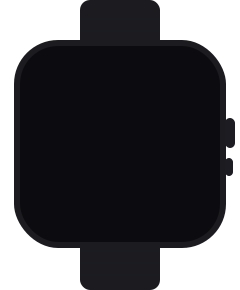
Use the Watch square frame to showcase wearable interfaces with a clearer device presentation and a faster screenshot workflow.

Use the Watch round frame to showcase wearable interfaces with a clearer device presentation and a faster screenshot workflow.