Device frame + screen
Choose Android-friendly phone and tablet frames so your UI reads as a real product shot, not a floating rectangle.
Google Play
Mockup Editor is a Play Store screenshot editor that helps Android developers create complete Google Play mockups with phone frames, backgrounds, headline text, layouts, and export-ready sizes.
Google Play can show your screenshots in search, collections, and your store listing—often smaller than full size. Listing art should read clearly as a complete mockup, not only as a raw UI capture.
Most mockup tools help you place your app screenshot inside a device frame. Mockup Editor helps you design the full Play Store screenshot: Android frame, background, headline text, spacing, layout, and export-ready image.
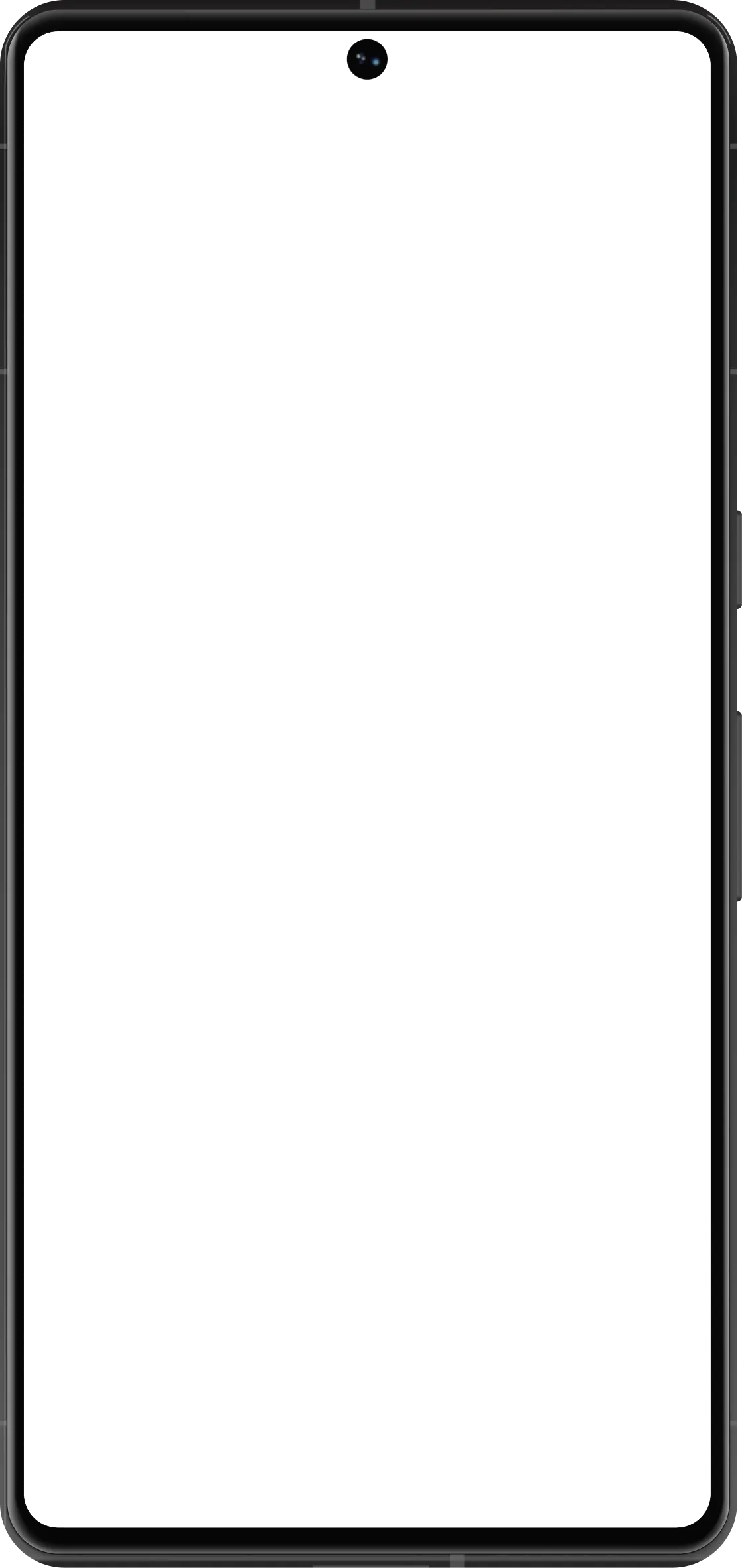
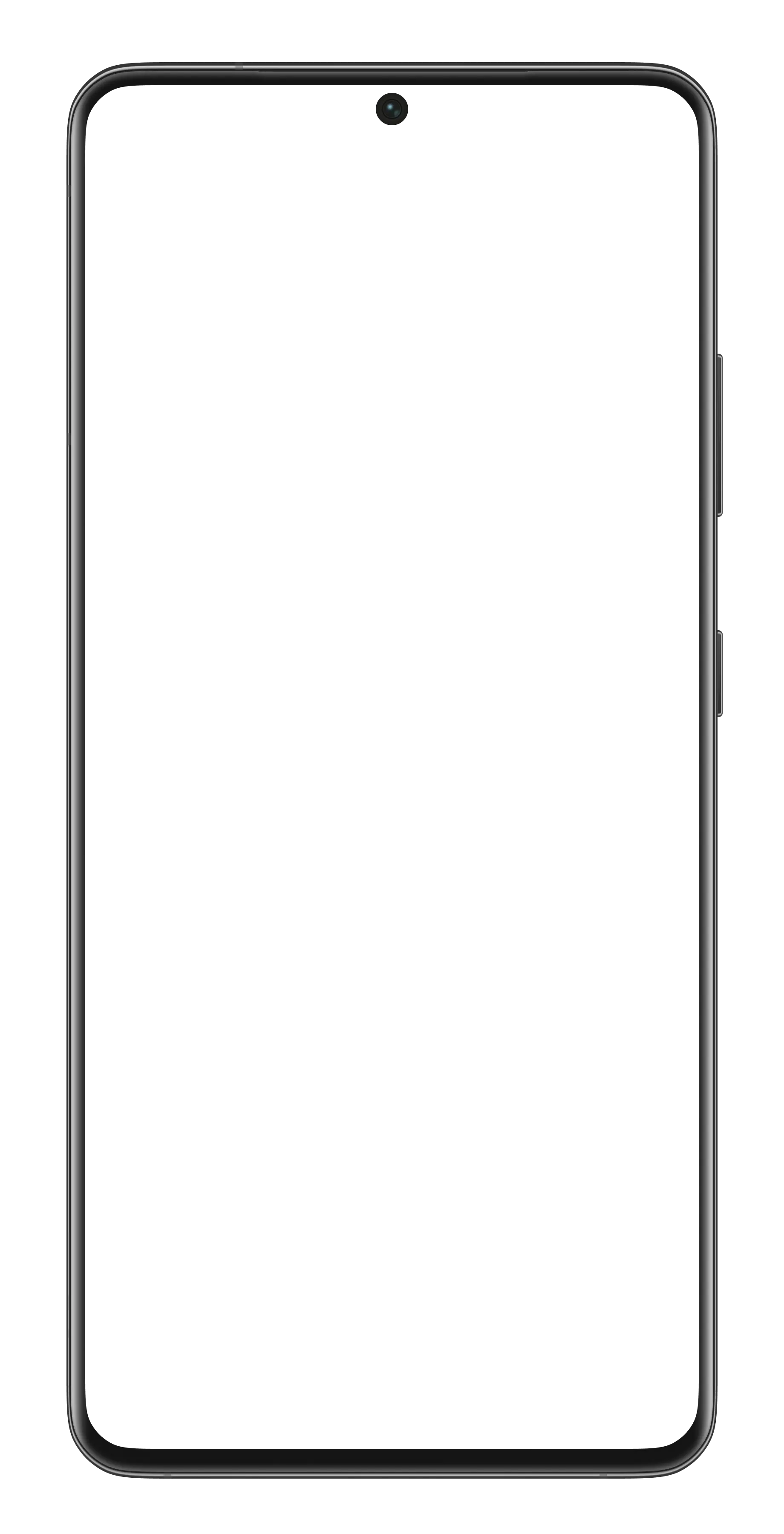
Choose Android-friendly phone and tablet frames so your UI reads as a real product shot, not a floating rectangle.
Add short benefit-led headlines and keep them legible in thumbnail views—critical for Play discovery surfaces.
Unify backgrounds across a screenshot set and export consistent dimensions for Play Console uploads.
A Play Store screenshot editor helps you design the full screenshot image for your Google Play listing, including Android frames, headline text, backgrounds, layout, and export size.
A generator usually creates screenshots from a template. An editor gives you more control over the frame, text, background, spacing, and final layout.
Yes. You can add headline text, subtitles, and feature callouts to your Play Store screenshots.
Yes. Mockup Editor lets you create store-ready Play Store mockups directly in the browser without using Figma or Photoshop.
Yes. You can export edited screenshots for your Google Play listing.
Try it
Frame, background, text, layout, and export size—without bouncing between Figma and a separate mockup tool.
Start with Punch-hole